Genesis Framework Child Theme Workflow for Maintainable WordPress Sites
Home » Blog » WordPress Themes » Genesis Framework Child Theme Workflow for Maintainable WordPress Sites
| Didac Soria
A PRACTICAL ARCHITECTURE FOR LONG-LIVED WORDPRESS WORK
A Genesis Child Theme Should Explain Its Own Decisions
A Genesis project can feel wonderfully lean when every responsibility has a home. It becomes difficult when years of urgent snippets, plugin overrides and isolated templates obscure why the site works. A useful workflow preserves a readable chain from the original brief to the code running in production.
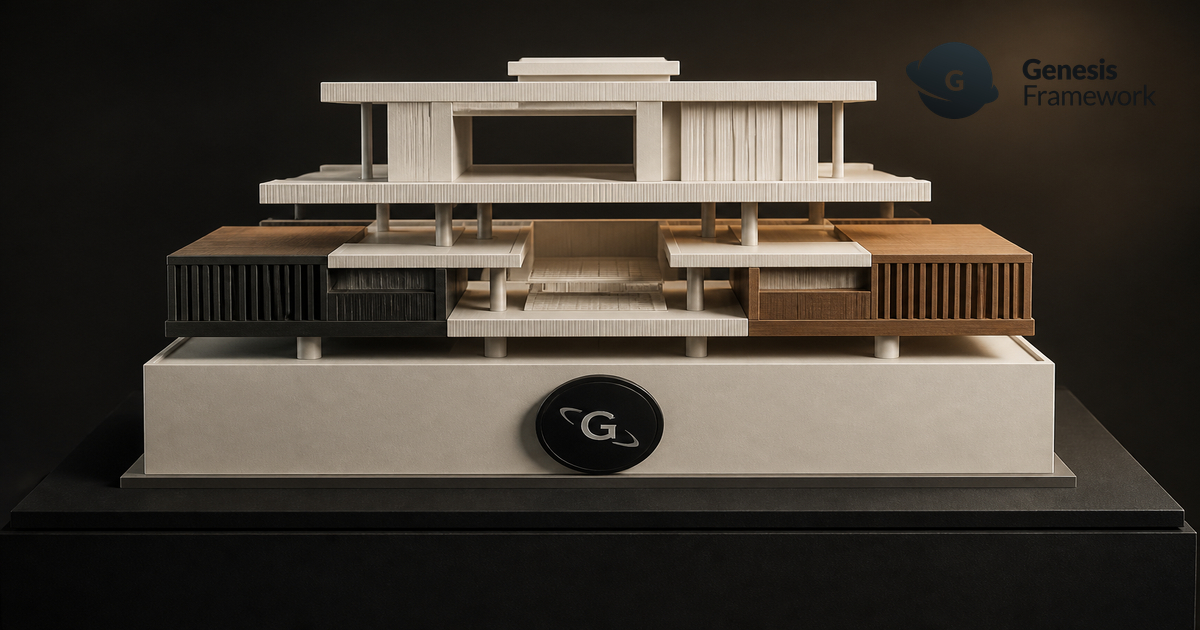
StudioDDC treats that chain as design architecture. The parent framework supplies a consistent HTML foundation; the child theme carries brand decisions, templates and presentation; focused plugins hold portable functionality. This separation lets an established site evolve without treating every update as a risky reconstruction.
Before touching hooks, list the real content types, editorial roles, conversion paths and exceptional templates
Before touching hooks, list the real content types, editorial roles, conversion paths and exceptional templates. A demo can suggest direction, but it cannot decide which archive needs context, which blocks editors may rearrange or which information must remain stable. Mapping those needs first prevents decorative code from becoming architecture.
Presentation belongs in the child theme: typography, spacing, responsive rules, template composition and editor styles. Business logic that should survive a redesign belongs in a plugin. Content belongs in WordPress. Reproducible configuration belongs in documented, version-controlled files whenever the project allows it.
A Release Routine That Protects the Site
Treat every change as a small release. Record the purpose, affected templates, dependencies and test routes before coding, then keep the commit narrow enough to understand later. This discipline matters more than the number of hooks in the theme.
For an established installation, inventory custom filters, action priorities, registered image sizes, widget areas, patterns and template overrides. Mark the pieces that depend on a plugin or external service. That map reveals where a seemingly harmless update could change markup, metadata or layout.
After deployment, verify the public cache, generated CSS, canonical URLs and one real conversion path. Keep the staging checklist with the project documentation so the next maintainer can repeat the same evidence-based process instead of rediscovering it.
A final code review should ask whether the solution follows a Genesis convention already available, whether the hook priority is documented and whether the same outcome could be achieved with less coupling. Comments should explain the business reason for an unusual decision rather than restating the syntax.
Accessibility belongs in the release evidence. Test headings, landmarks, focus order, visible focus, keyboard menus and form feedback with the actual child theme. A technically correct hook is not a successful implementation if its rendered experience excludes part of the audience.
Blocks add an editorial layer that needs the same restraint
Blocks add an editorial layer that needs the same restraint. Curated patterns give editors a strong starting point, while block locking or content-only editing can protect fragile layout decisions without freezing the words. A compact pattern library often produces more consistent pages than a catalogue of near-duplicates.
Schema, breadcrumbs and metadata must be reviewed as one system so Genesis and Yoast do not emit competing signals. Performance also benefits from clear ownership: one intentional asset pipeline is easier to test than several overlapping optimizers that rewrite the same CSS and JavaScript.
A staging copy should prove updates, not merely display them
A staging copy should prove updates, not merely display them. Test representative posts, archives, search, forms, structured data, keyboard navigation and mobile reading order. Compare performance before and after the change, then keep a short rollback note beside the release.
Genesis remains a sound foundation when its conventions are understood instead of hidden. Its documentation explains how markup is generated and controlled with hooks and filters, while Genesis Sample supplies standards tooling. StudioDDC adds project-specific design, accessible blocks and a maintenance routine shaped around real content.
Web Developer and Graphic Designer at StudioDDC, focused on WordPress, SEO, Ecommerce, Performance Optimization and high-quality Digital Experiences with a strategic approach.












 Product Catalogue Design: Help Buyers Compare Without Friction