


A LOCAL COPY IS USEFUL ONLY WHEN IT PRODUCES EVIDENCE YOU CAN TRUST
Move from Isolated Change to Verified Release without Guesswork
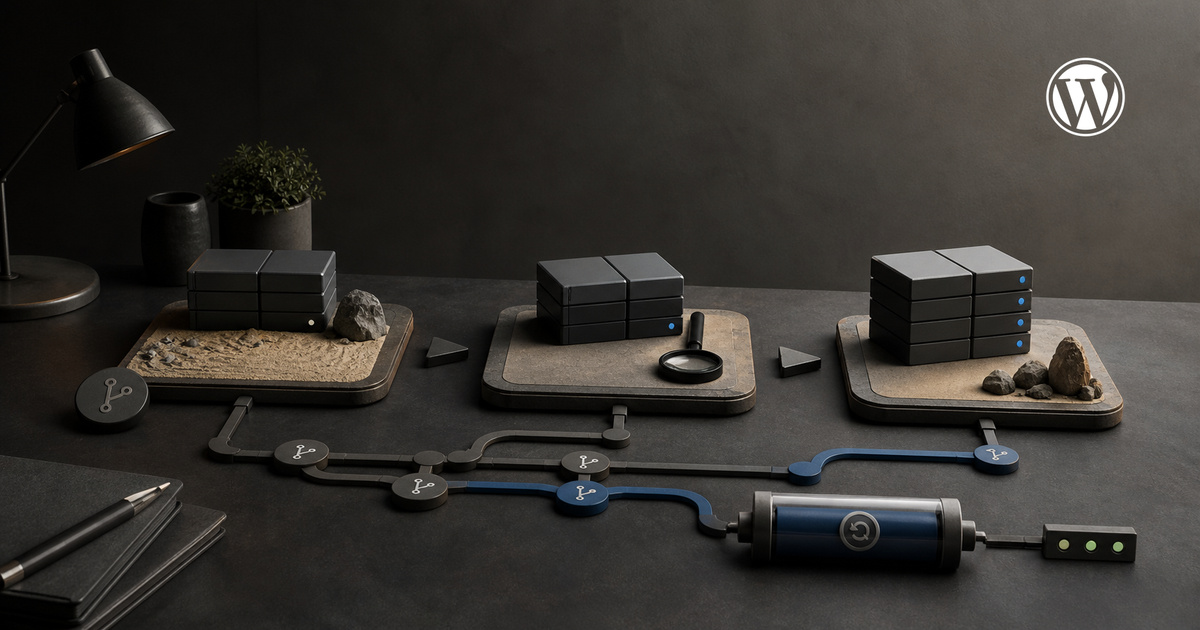
A local WordPress development workflow creates a controlled place to change a theme, plugin or integration without experimenting on visitors. StudioDDC treats the local environment as one part of a release system rather than a disposable copy. It should make the change reproducible, expose relevant differences and produce evidence that another person can review before anything reaches production.
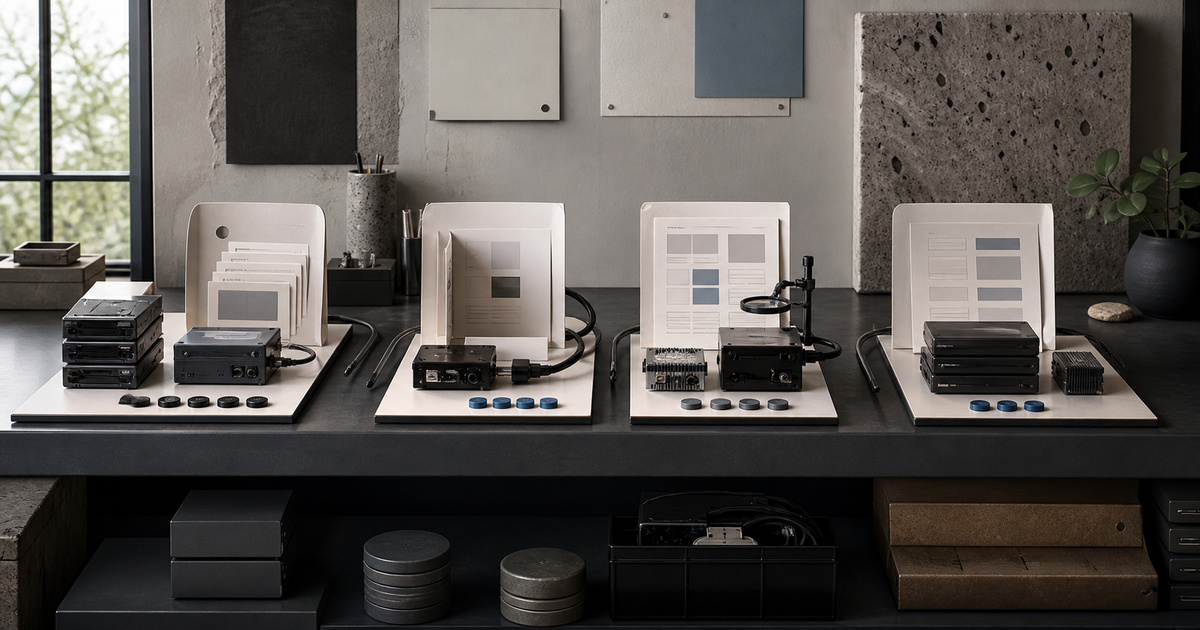
Choose an environment that fits the project. WordPress documents wp-env as a maintained option for plugin and theme work, with Docker as its standard runtime and WordPress Playground available for lighter experiments. Other local tools can be valid too. The important requirement is a documented setup that can be recreated instead of a private installation whose PHP version, extensions and configuration nobody knows.
Reproduce the Parts of Production that Affect the Change
Match the production characteristics that influence the task: WordPress and PHP versions, active theme, relevant plugins, permalink structure, languages and representative content. Do not copy unnecessary personal information into a laptop. Replace customer records with synthetic data and document unavoidable differences such as mail delivery, payment gateways, caching layers or external services.
Keep custom code in version control and make each change small enough to inspect. A useful branch explains one purpose and does not mix a security fix with a redesign and unrelated formatting. Commit messages should describe decisions rather than merely state that files changed. Generated dependencies, uploads and local secrets need explicit rules so the repository remains portable and safe.
Keep Code, Configuration and Content Responsibilities Separate
Separate source, configuration and content. Decide which settings belong in code, which must be applied during deployment and which remain editorial data. A local database export should not become the only record of a configuration decision. Where practical, use scripts or WP-CLI commands to reproduce deterministic setup and keep a short readme for the steps that require judgement.
Test the exact risk introduced by the change. A new block needs editor insertion, save, render, responsive and accessibility checks. A checkout integration needs failure states and duplicate-request protection. A template update needs representative posts in both languages. Passing a lint command is useful, but it does not prove that a real visitor can complete the intended journey.
Test Behaviour Instead of Trusting a Successful Build
Review the change at several widths and with keyboard navigation before staging. Check browser errors, network requests, PHP logs and visual regressions. Use realistic images and long Spanish headings to reveal fragile layouts. Confirm that links, structured data, index directives and cache behaviour remain correct. Testing only the happy path leaves the most expensive defects for production.
Use staging for integration and stakeholder review, not as a permanent development environment. Refresh it deliberately, protect it from indexing and avoid sending real transactional emails. Record what version is under review and prevent simultaneous untracked edits. A staging approval is meaningful only when the reviewed code and configuration are the same items scheduled for release.
Plan deployment and rollback together. Back up the data that could change, identify cache-clearing steps and choose a release window with someone available to verify production. Database migrations need forward and recovery procedures. Reverting files cannot undo every content or schema change, so the recovery plan must match the actual release rather than repeat a generic checklist.
Deploy with a Known Recovery Path and a Final Review
After deployment, inspect the live page logged out, verify both languages and run the critical action. Watch logs and performance long enough to catch delayed failures. Then remove temporary debug settings and record what was released. A mature local WordPress development workflow reduces risk because each environment has a clear purpose and every handoff preserves the evidence needed for the next decision.
Professional context: DidacSoria.com.
FREQUENTLY ASKED QUESTIONS
Practical Questions about Local WordPress Development Workflow
Is a local WordPress site the same as staging?
No. Local is optimized for isolated development; staging verifies integration and review in an environment closer to production.
Should production customer data be copied locally?
Avoid it. Use synthetic or minimized data unless there is a justified, protected and documented need.
Does wp-env replace version control?
No. It reproduces an environment, while version control records and reviews changes to project files.
Build a System That Can Be Reviewed and Improved
StudioDDC connects strategy, content, design and technical review in a documented workflow built for long-term use.
Continue with a Clear Next Step
Explore the StudioDDC portfolio or discuss a focused project when the method needs to become a working digital experience.







 Secure WordPress REST API Integration with Application Passwords

Leave a Reply